Wizard Paint
Turn your Digital Photos into Paintings
Wizard Paint sucessor of the Award Winning Software GMX-PhotoPainter.
Create your own styles by combining different brushes, textures and painting techniques, the number of combinations is endless.
How does it works?
As with traditional painting, Wizard Paint creations are composed of many overlapped brushstrokes. You have the creative freedom to choose and combine your own styles and settings, but at the same time guiding the painting process by automatically choosing the colors and directions of the brushstrokes.
Wizard Paint Overview
Use the arrows at the left and right sides to navigate through the slide show to get a first look at how to use Wizard Paint.
Step 1: Choose your Image
Press the «Start» Button and choose your image:
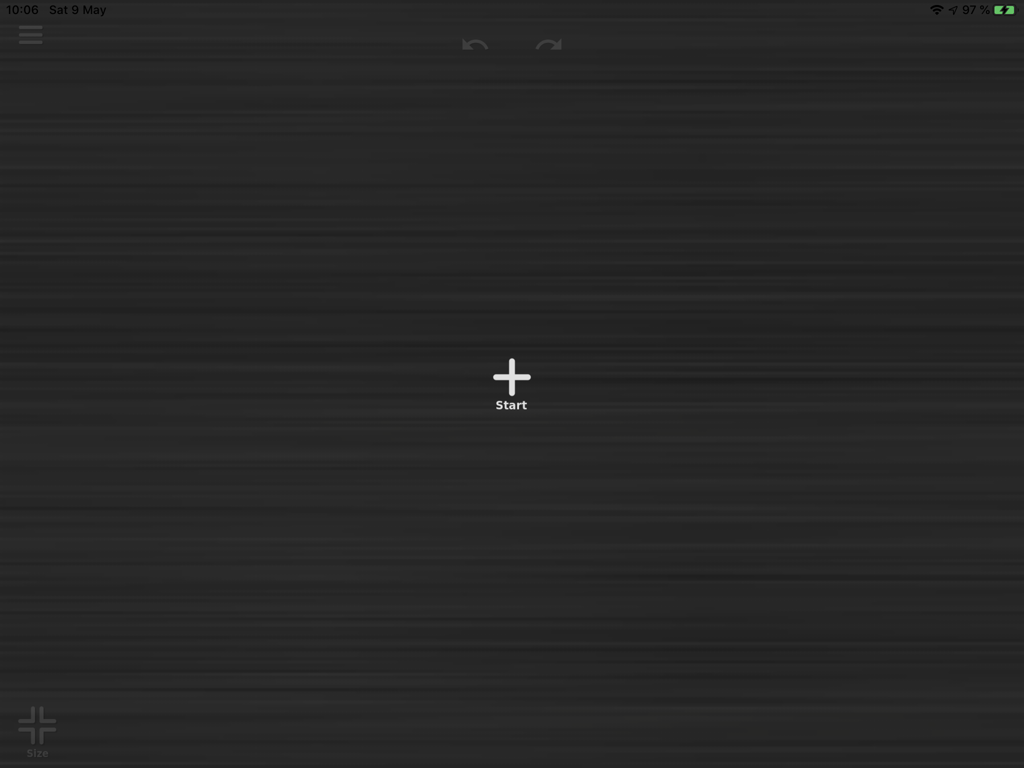
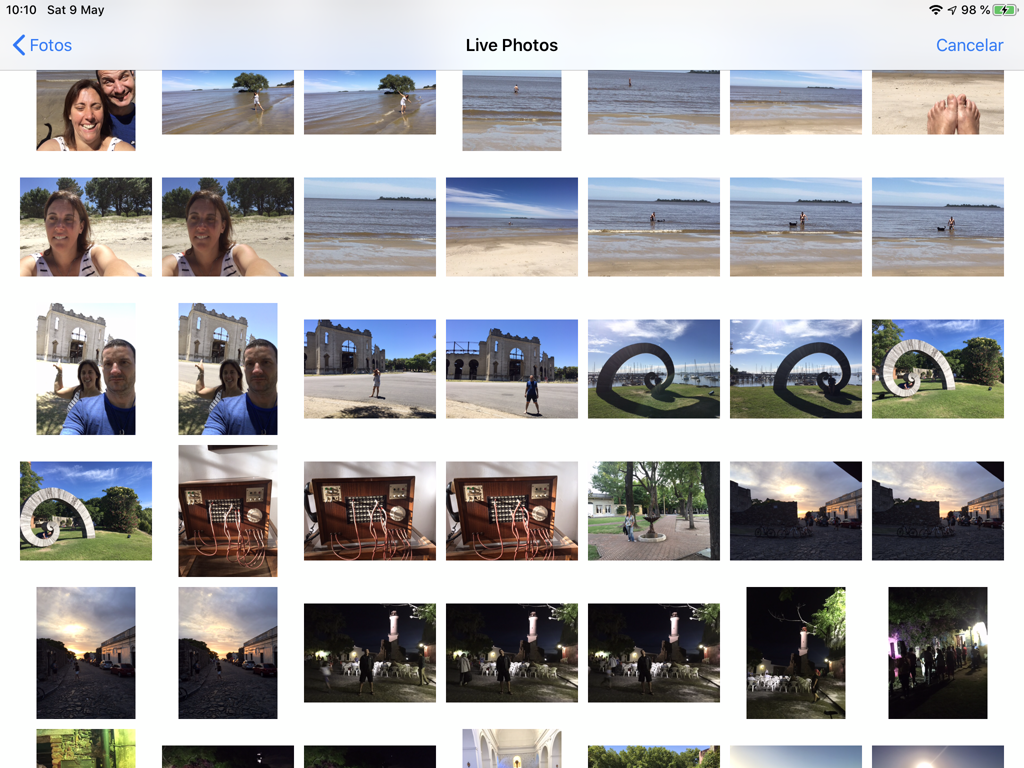
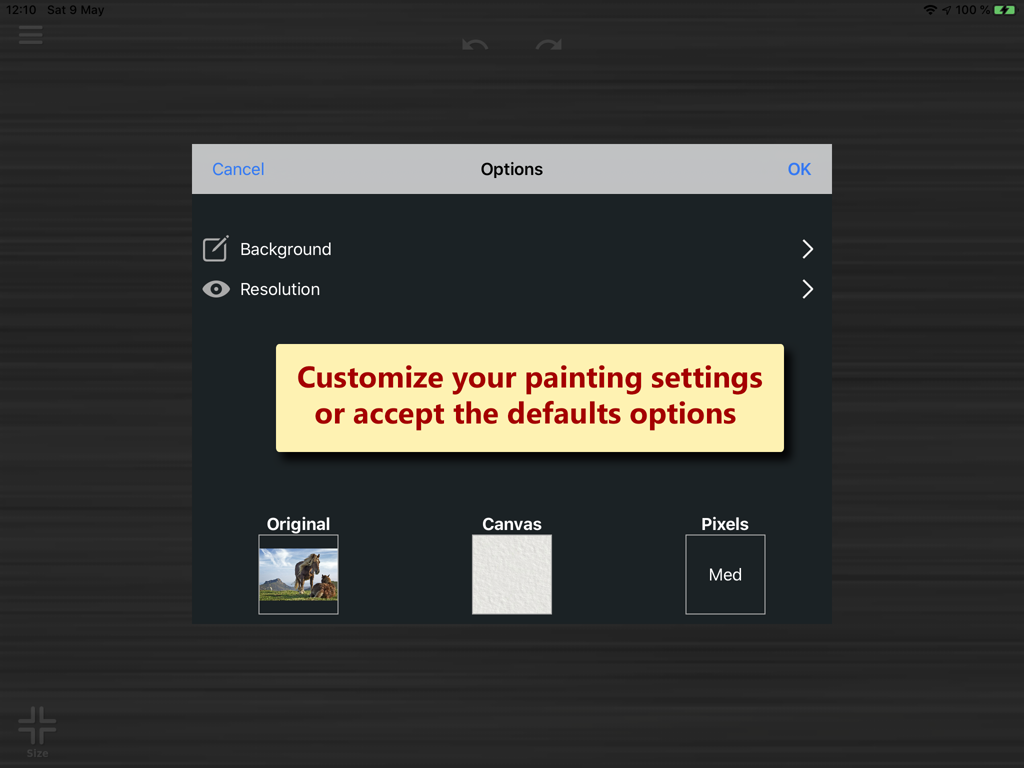
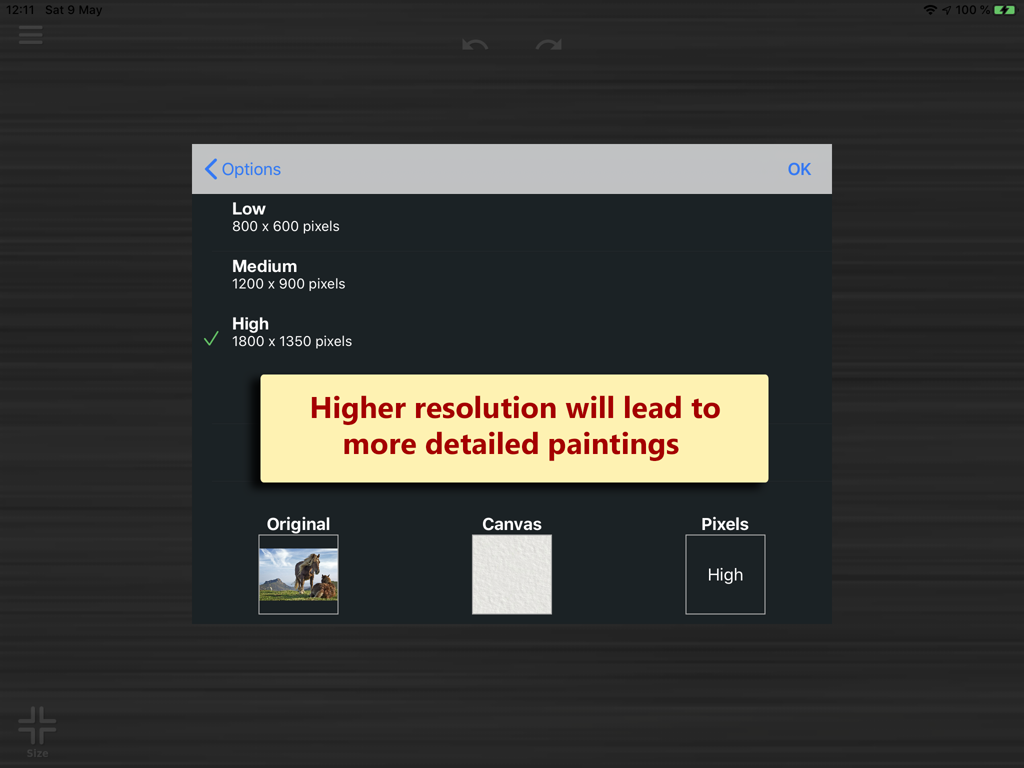
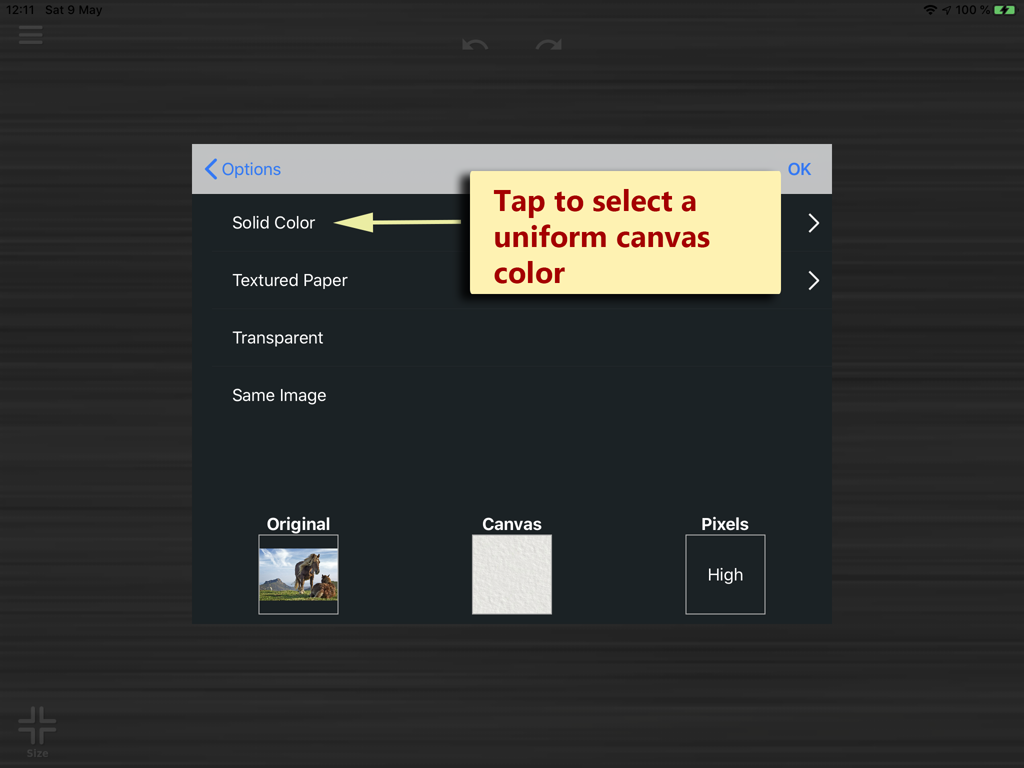
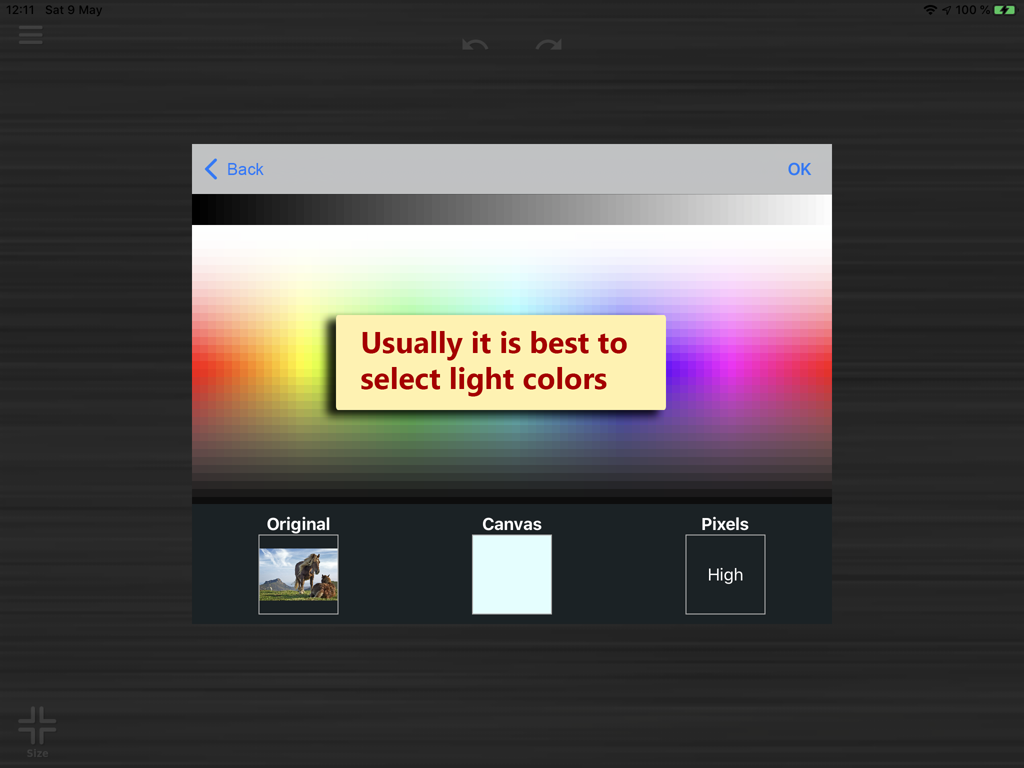
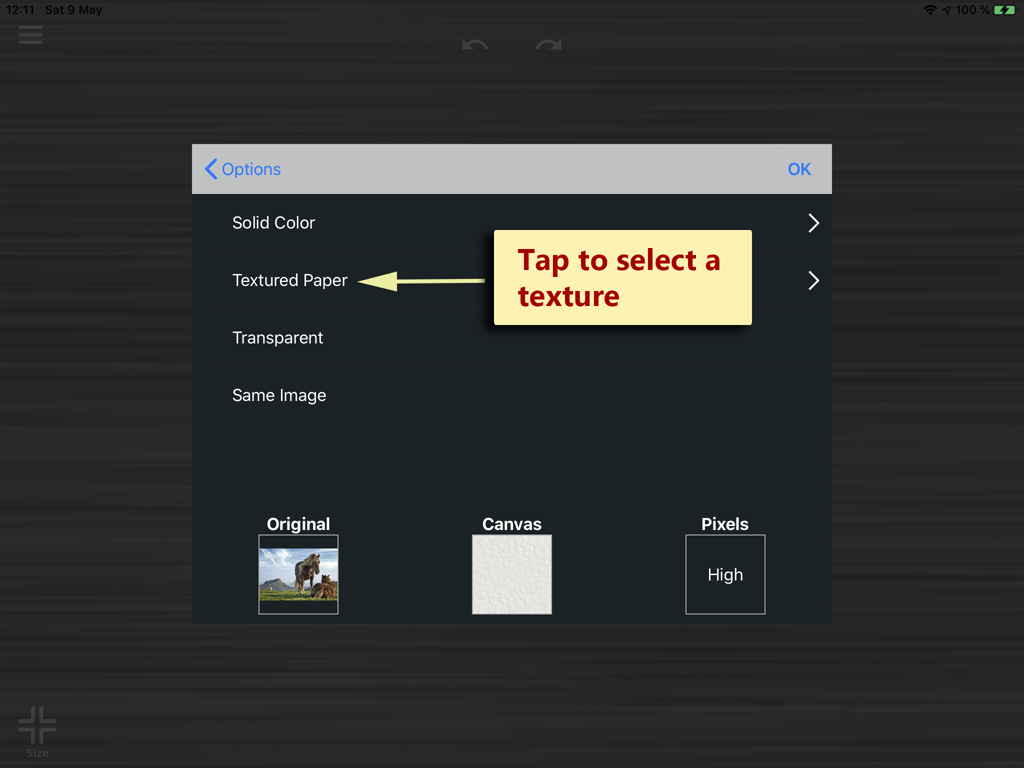
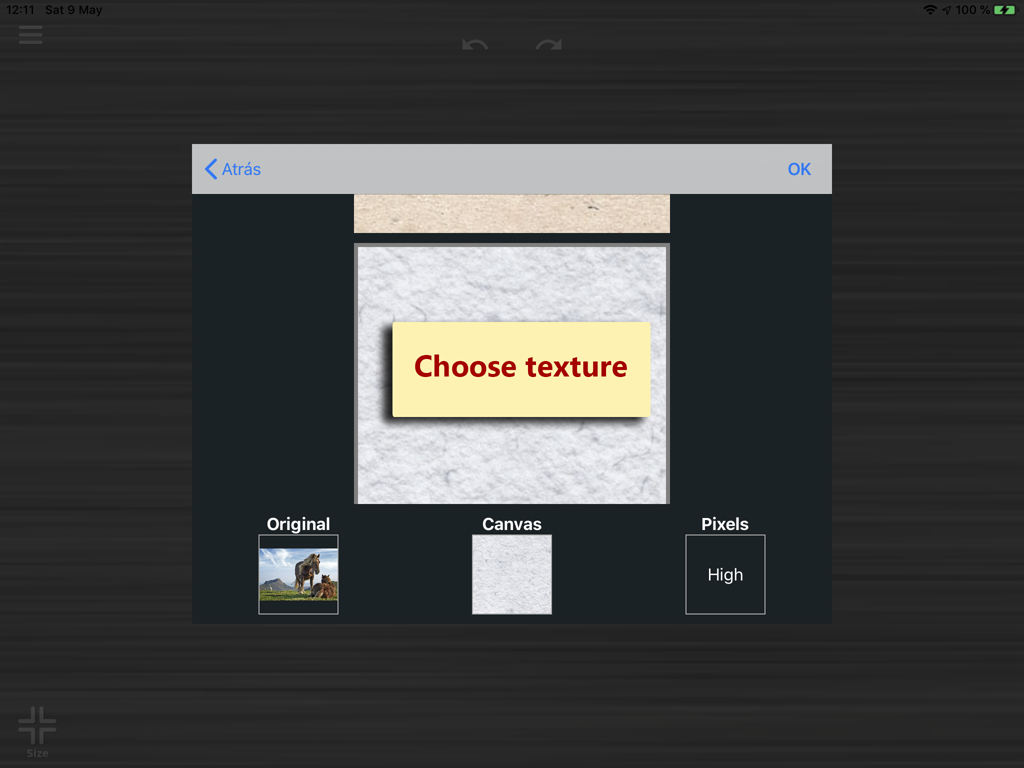
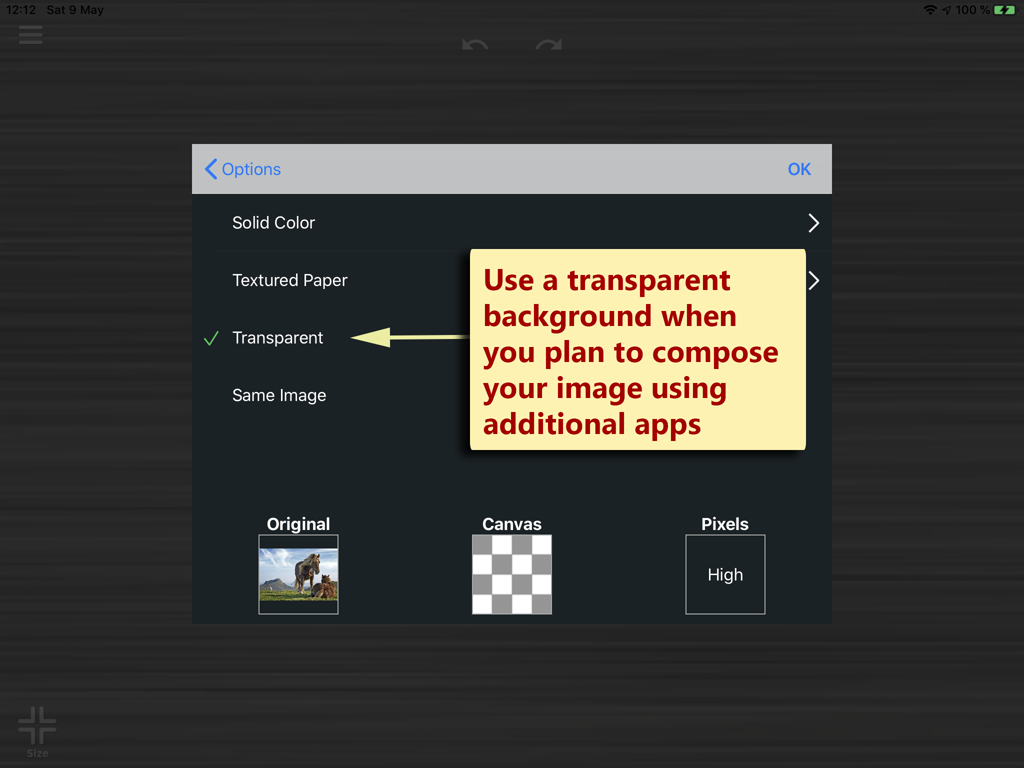
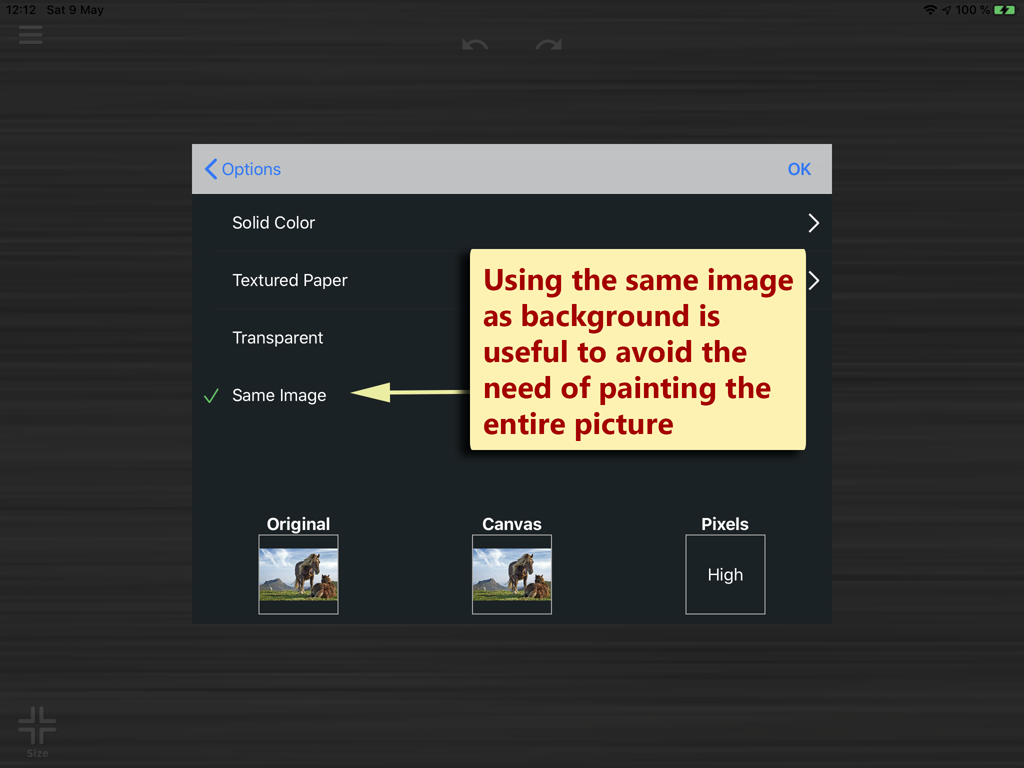
Step 2: Select Project Options
You can choose among different backgrounds and resolutions:
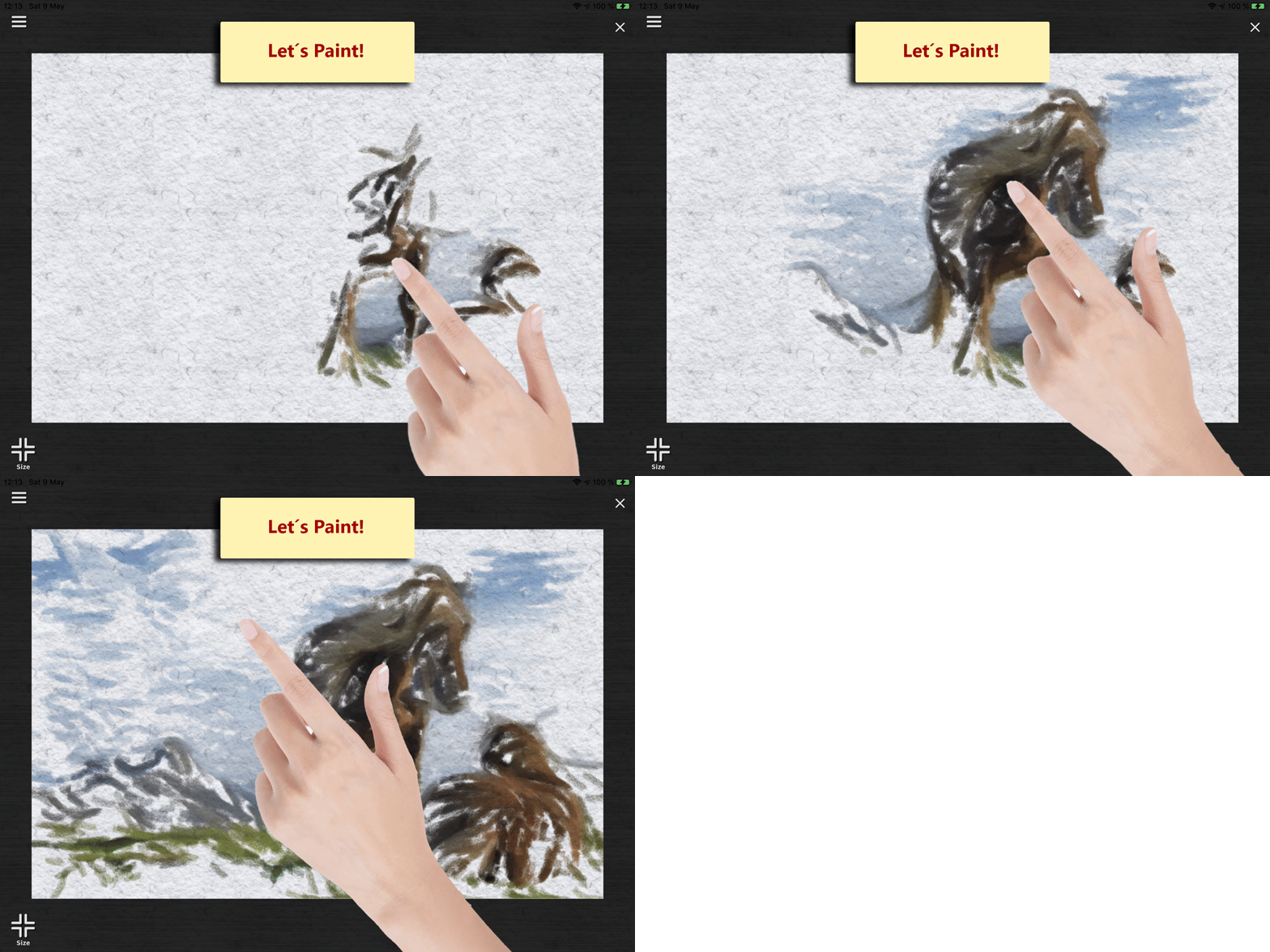
Step 3: Paint!
Just pass your your finger and paint:
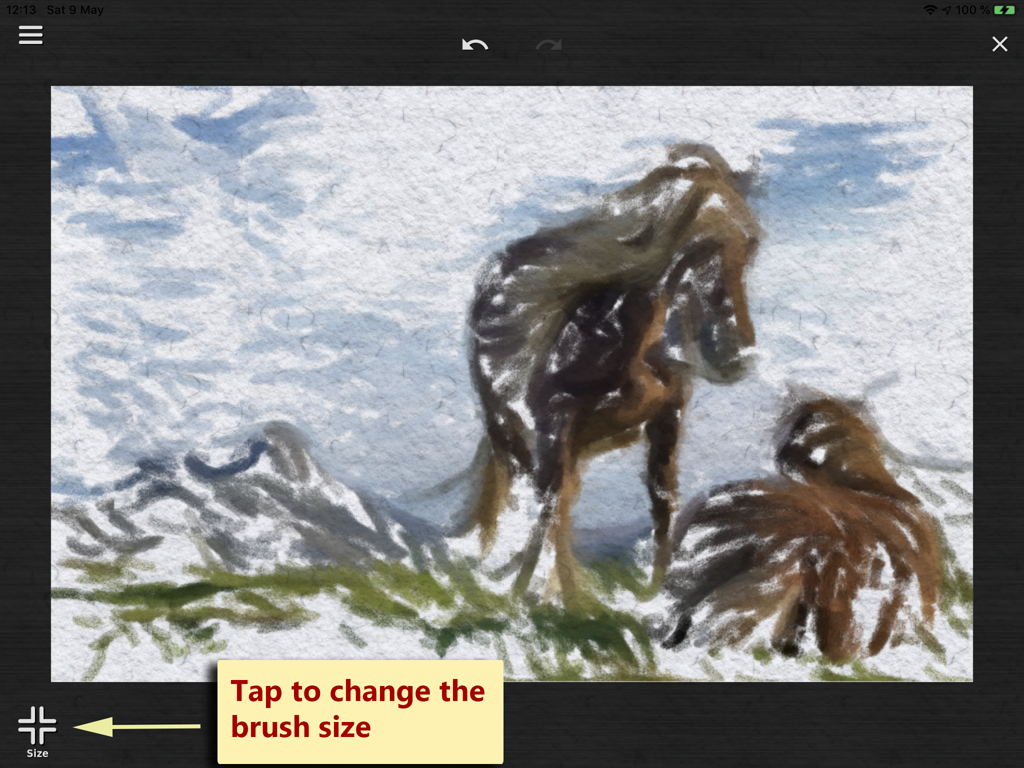
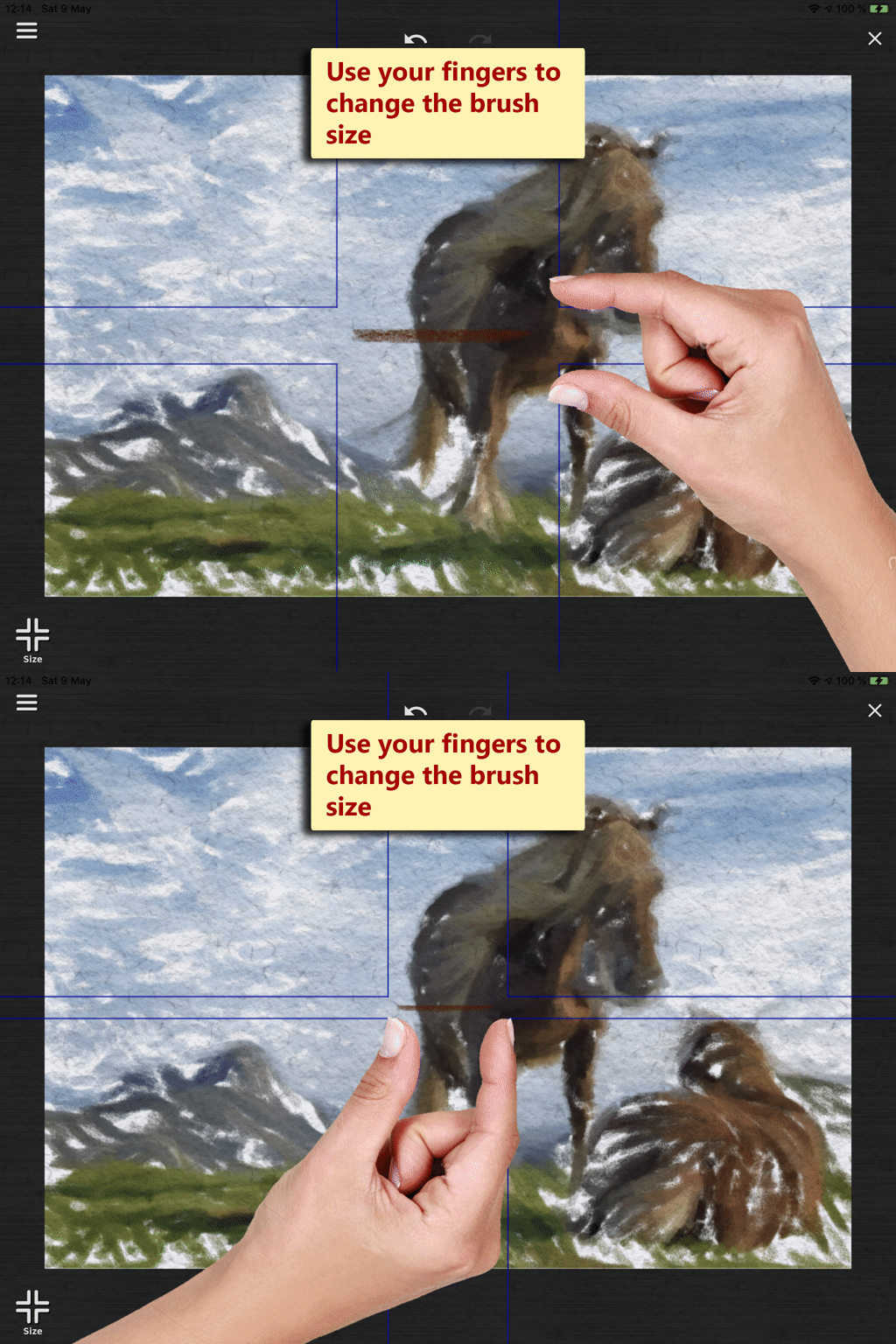
Customize Brush Size
You can change to brush size, smaller brushsizes will lead to more details.
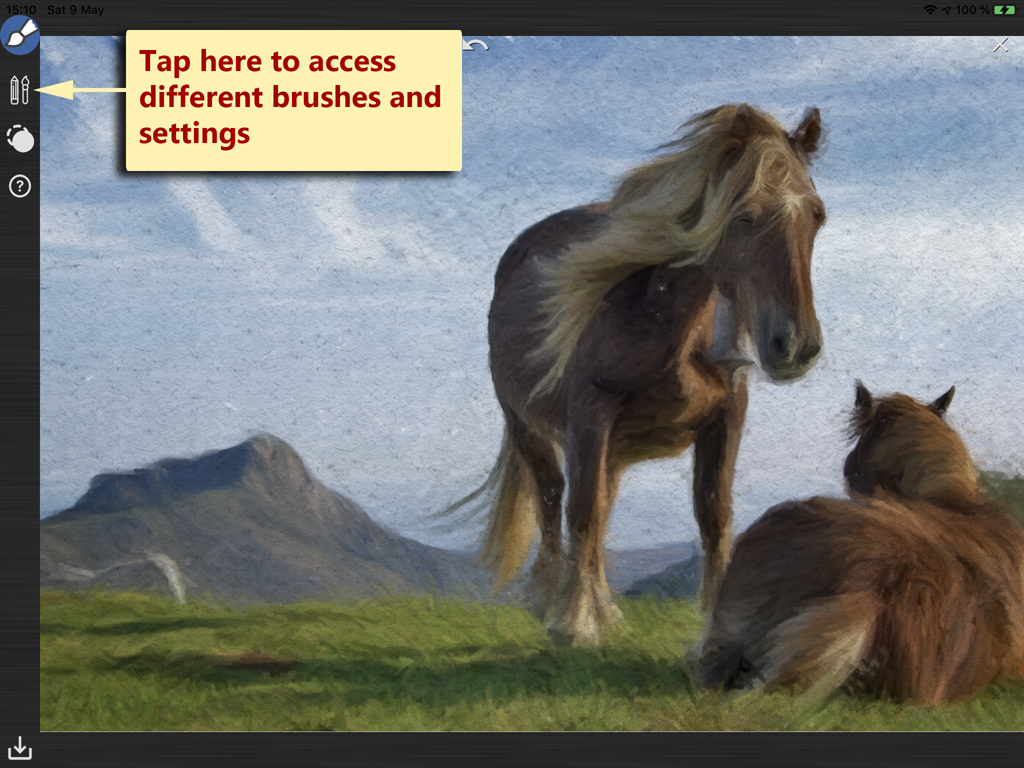
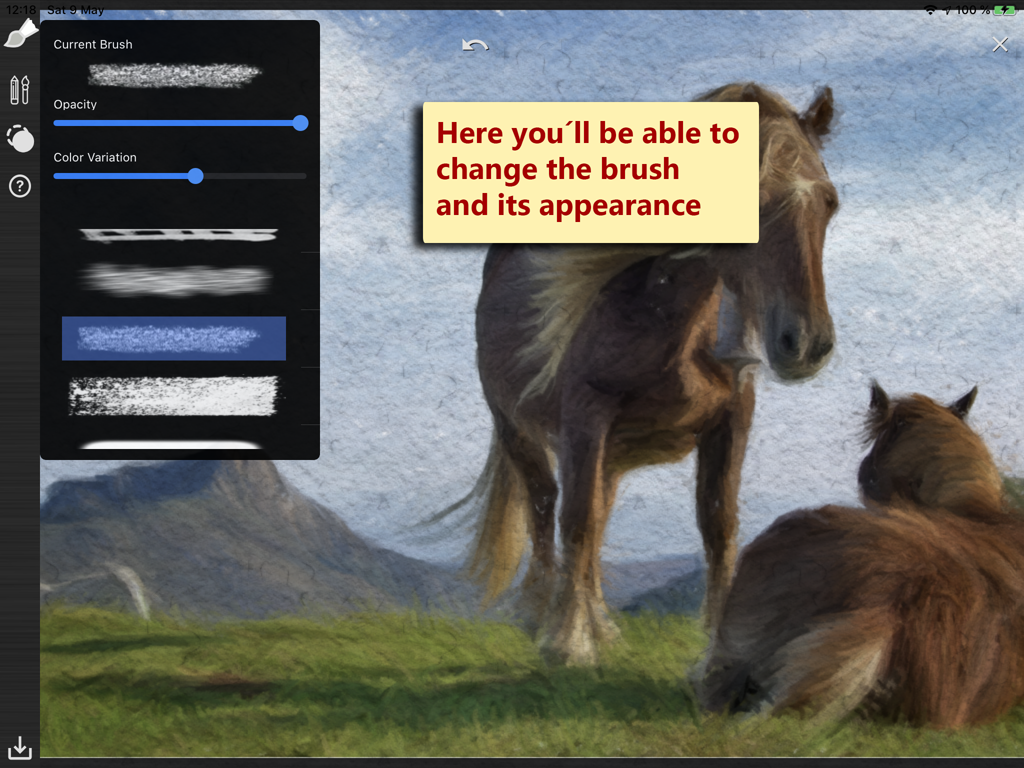
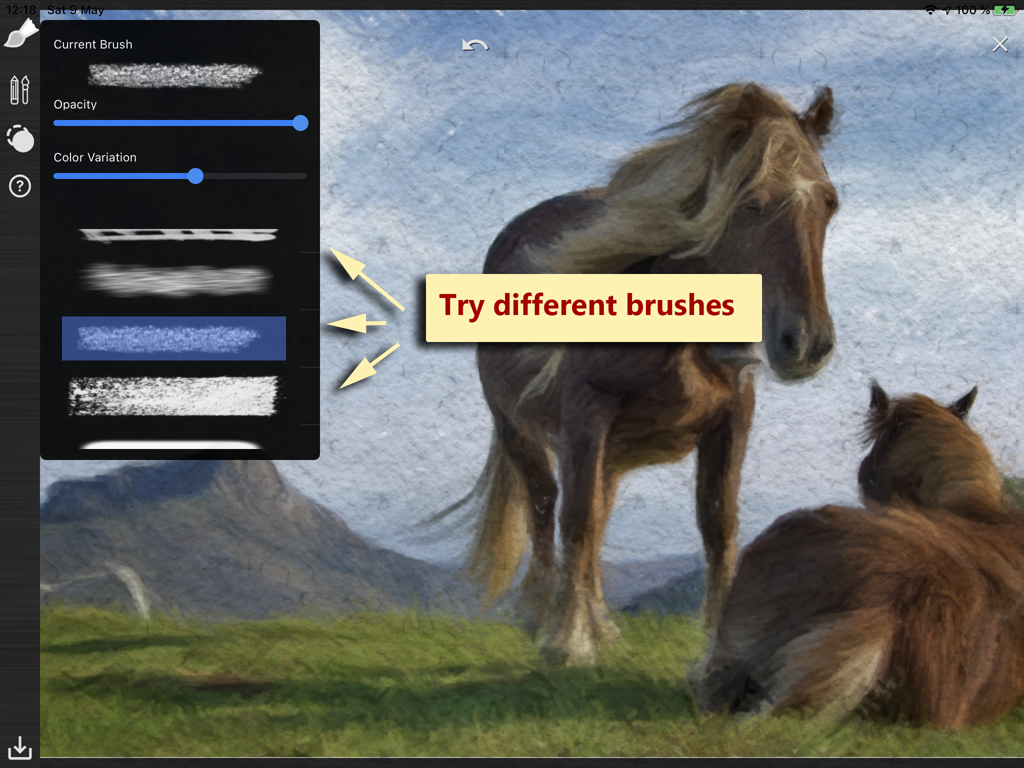
Brush Settings
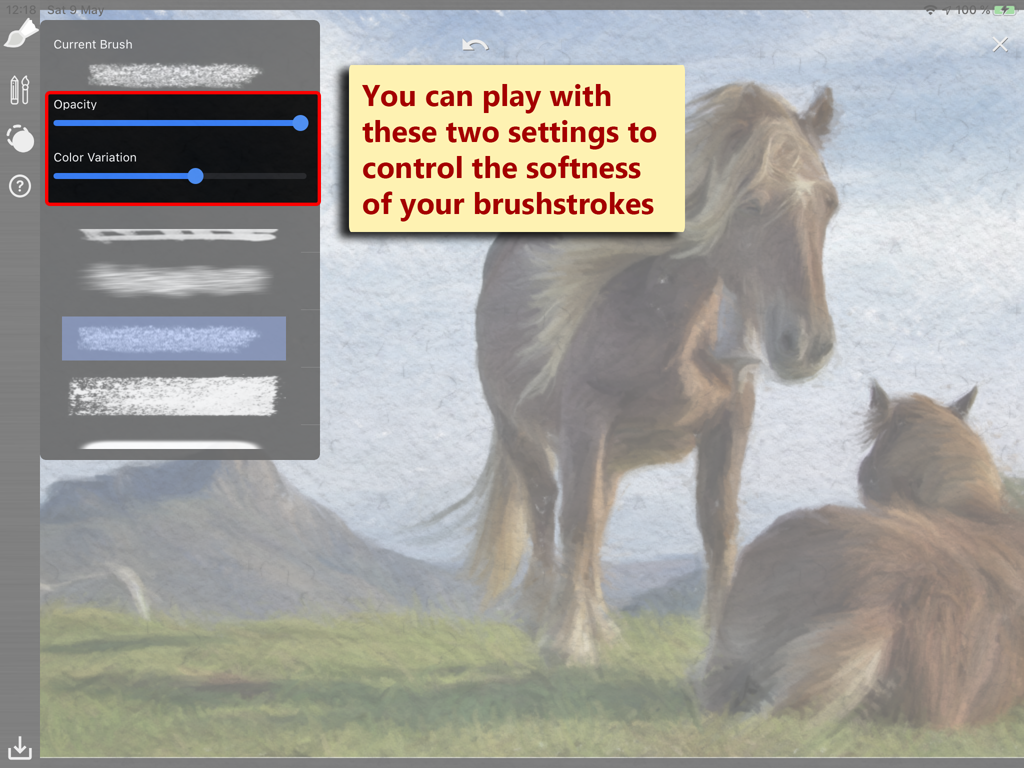
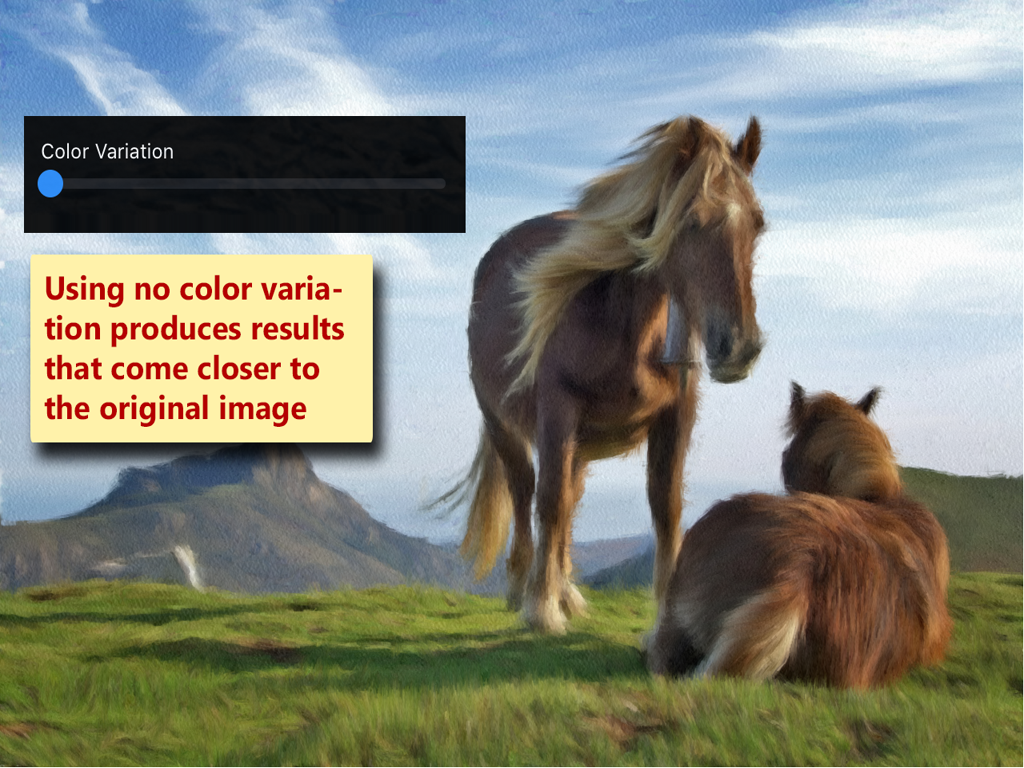
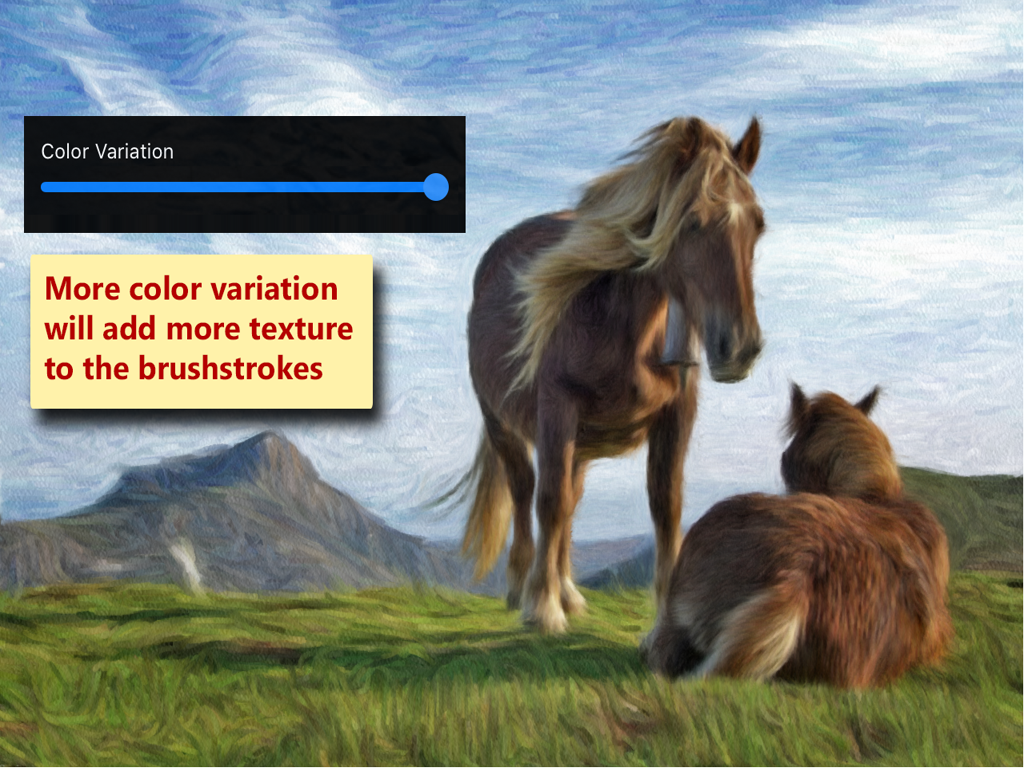
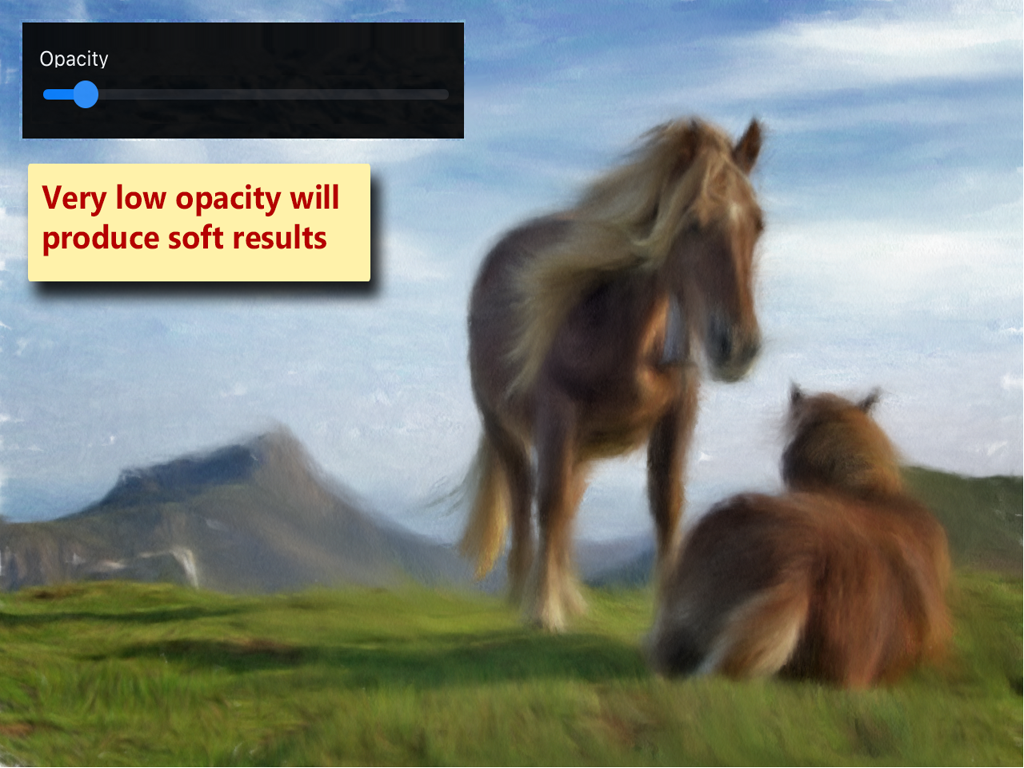
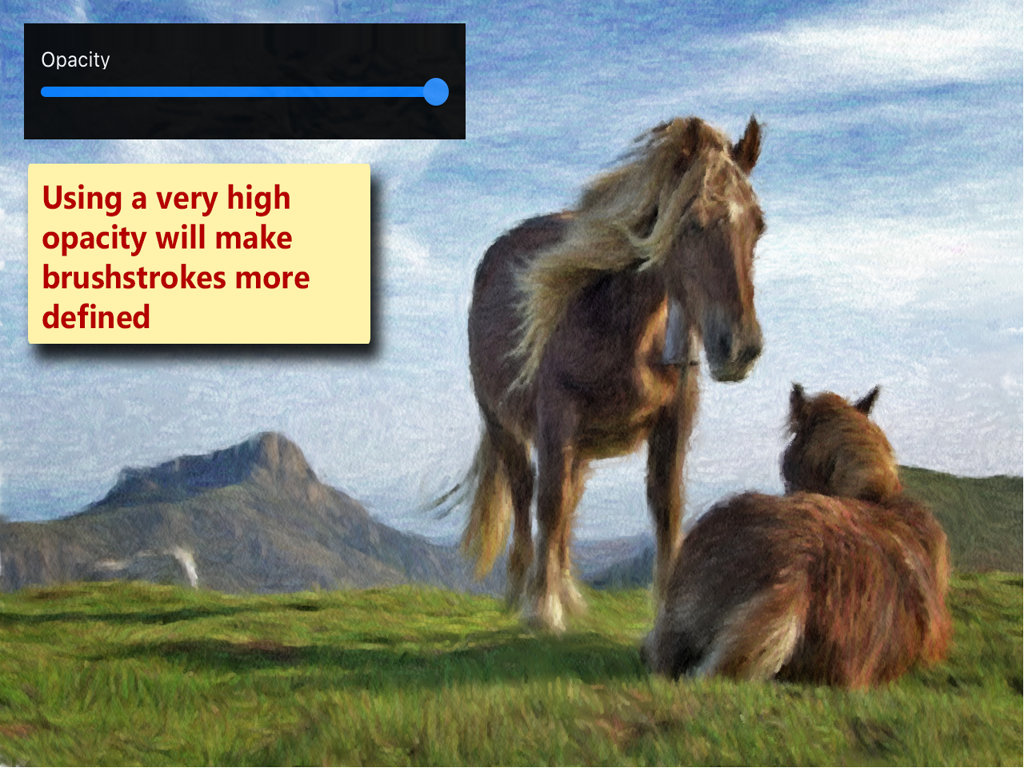
You can try many different brushes, and combine it with the the «Opacity» and «Color Variation» options:
Tools
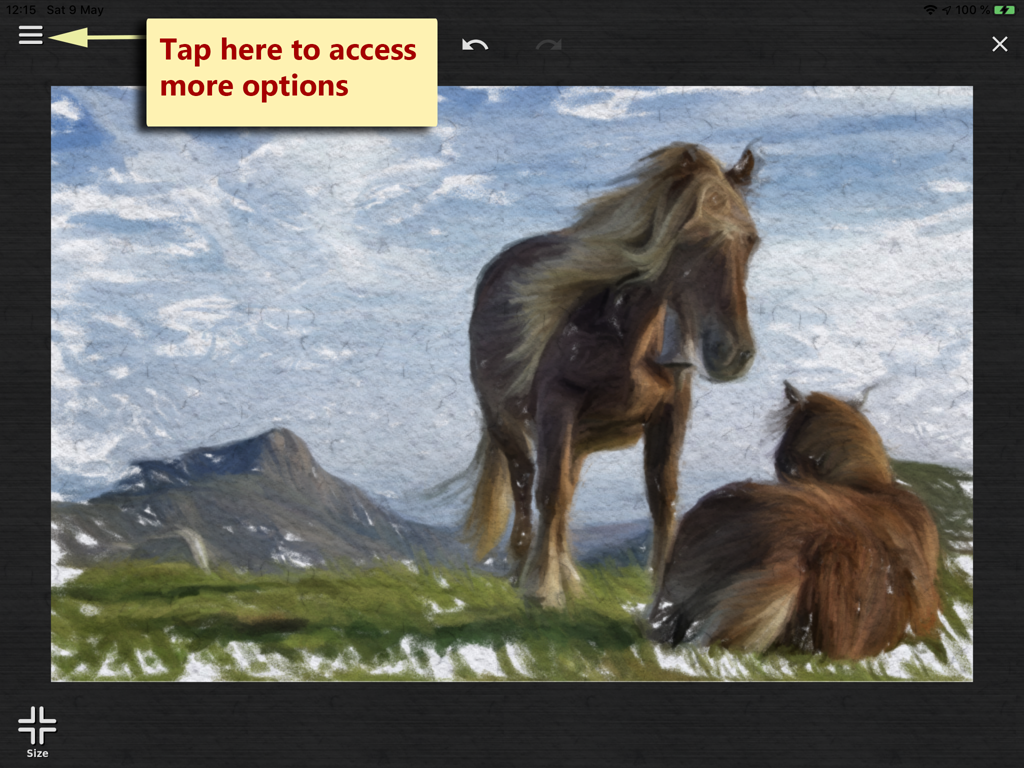
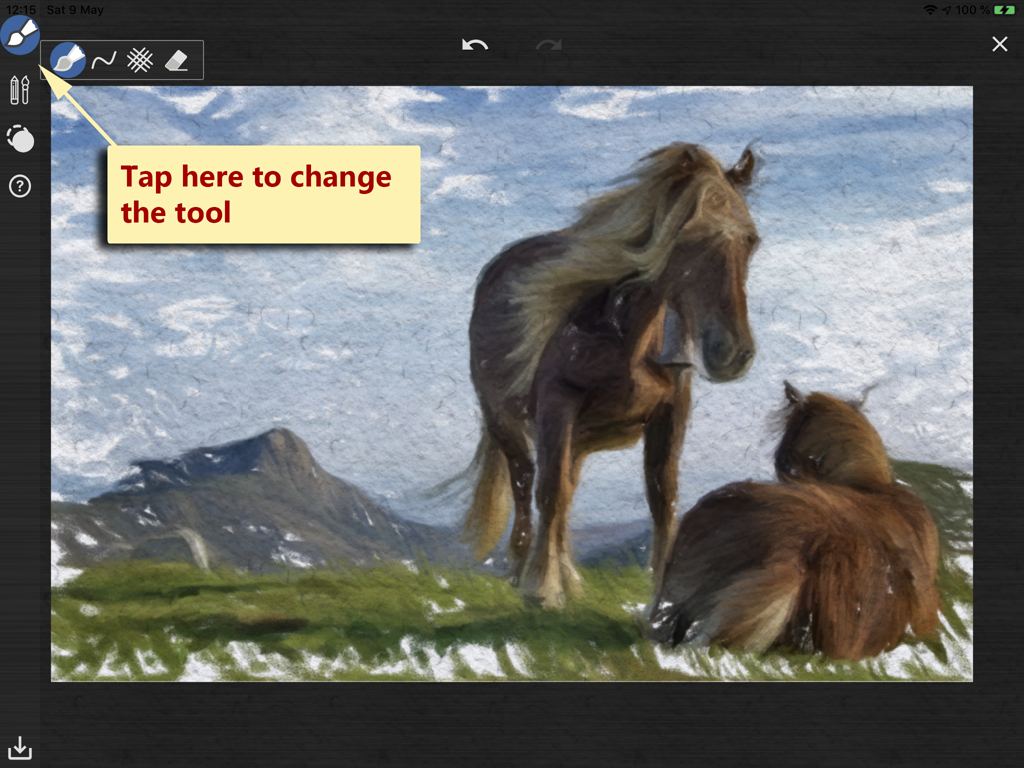
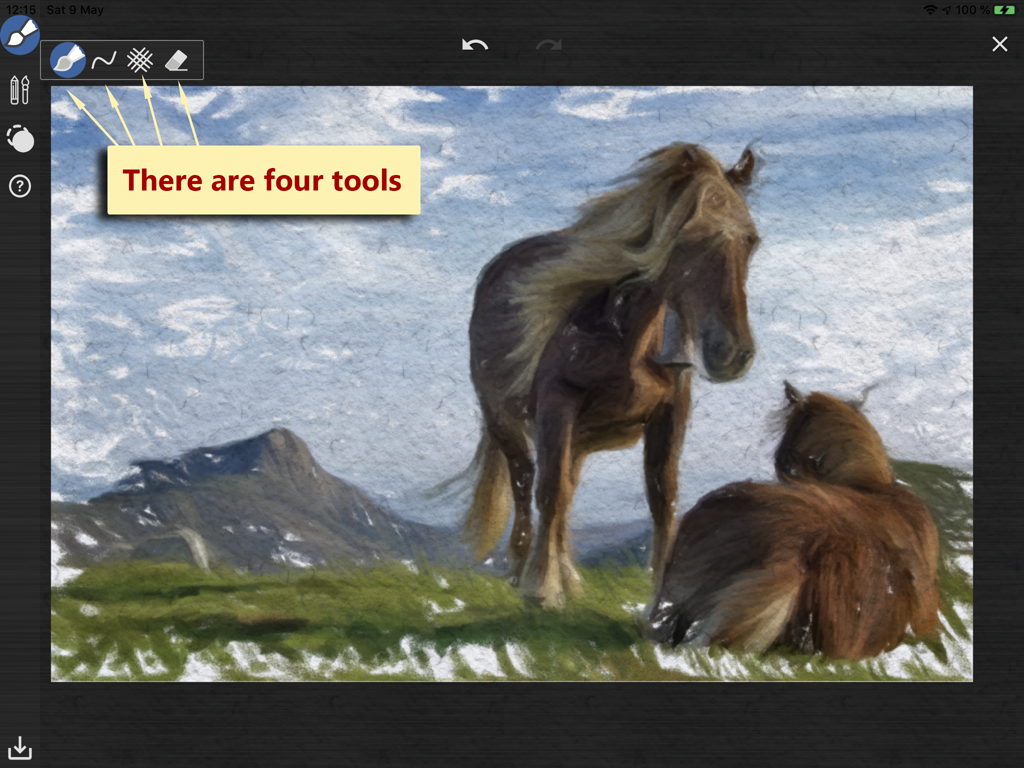
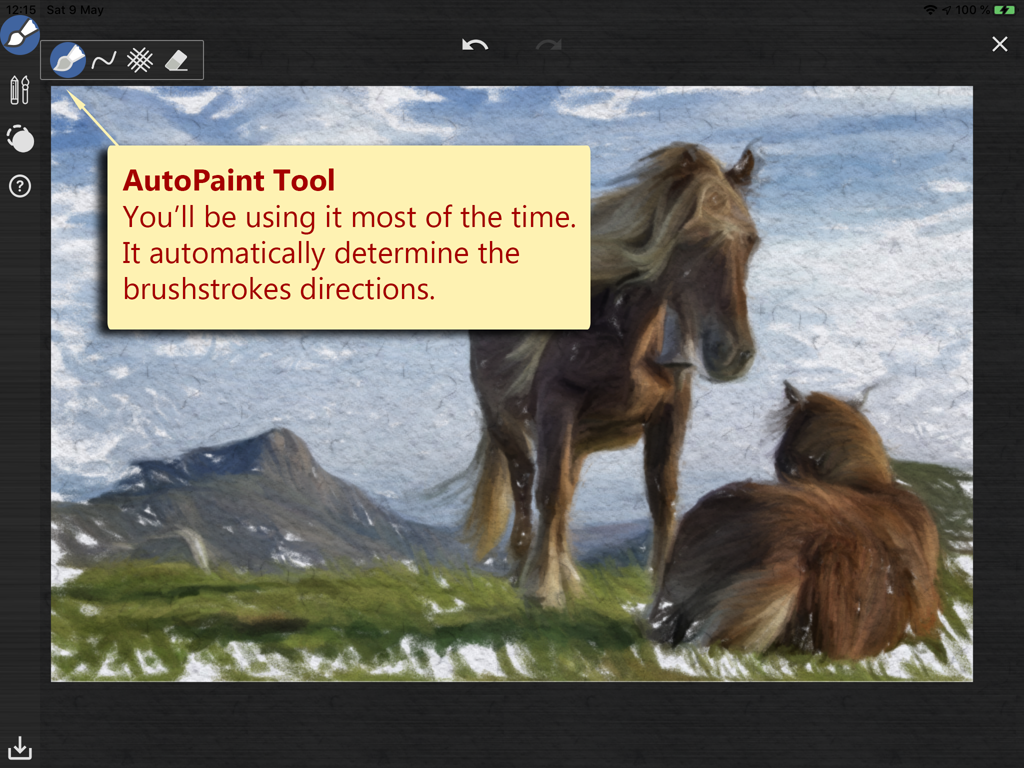
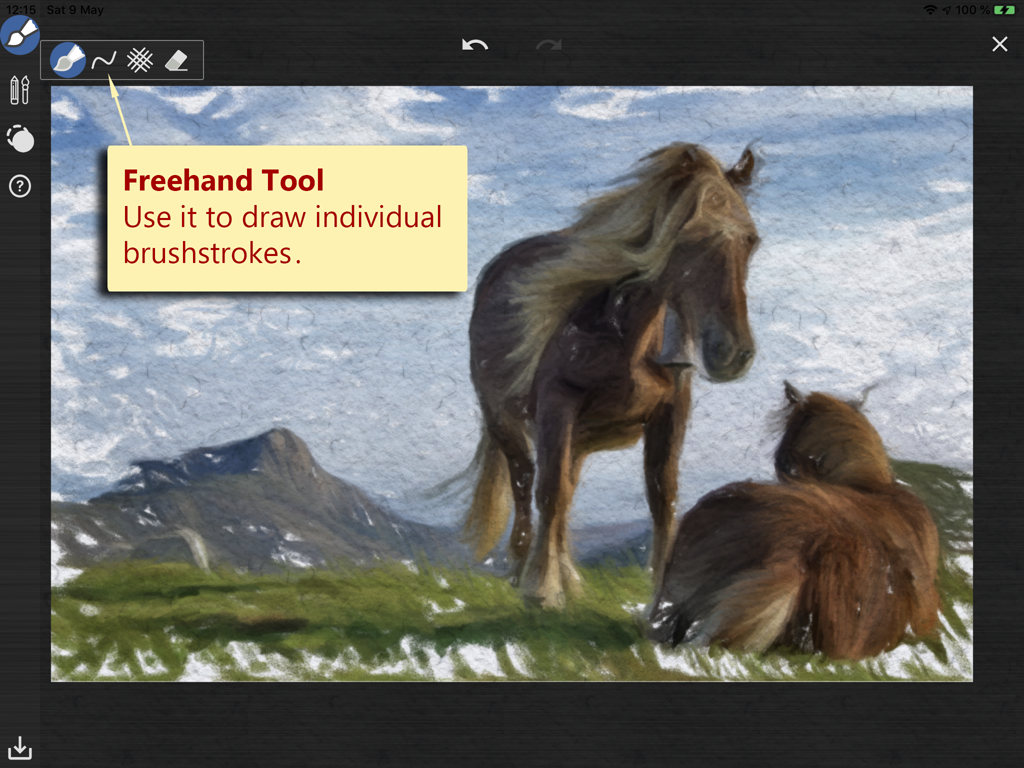
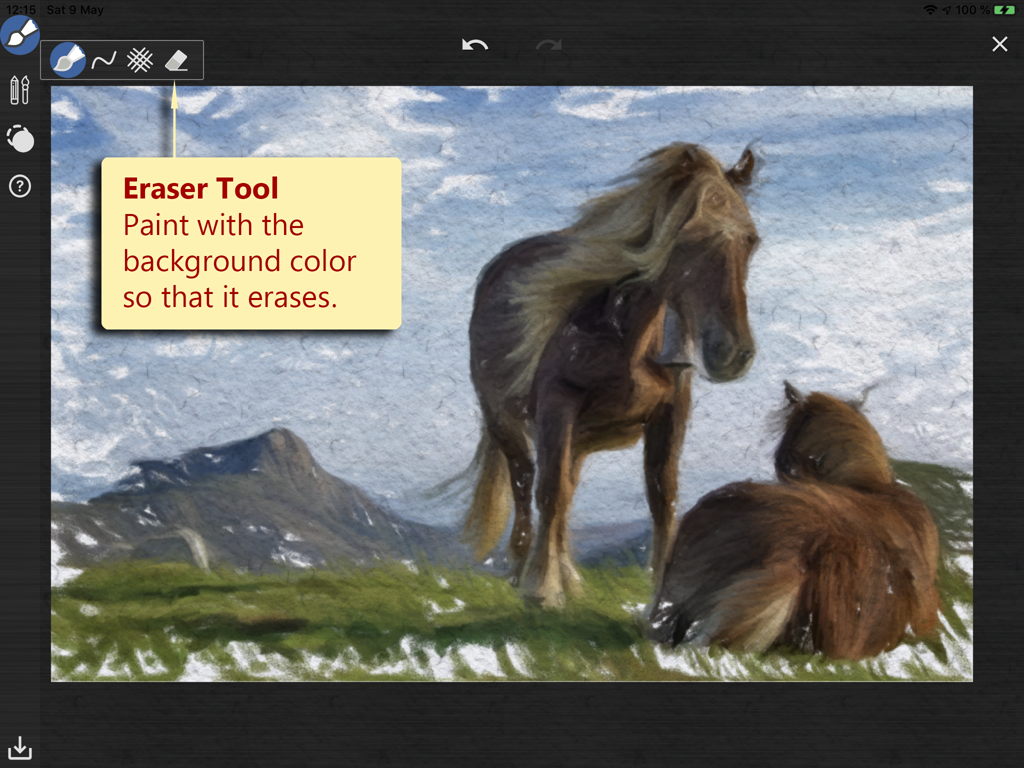
There are four tools, by far the most important tool is the «Auto Paint Tool», it automatically determine the brushstrokes directions.
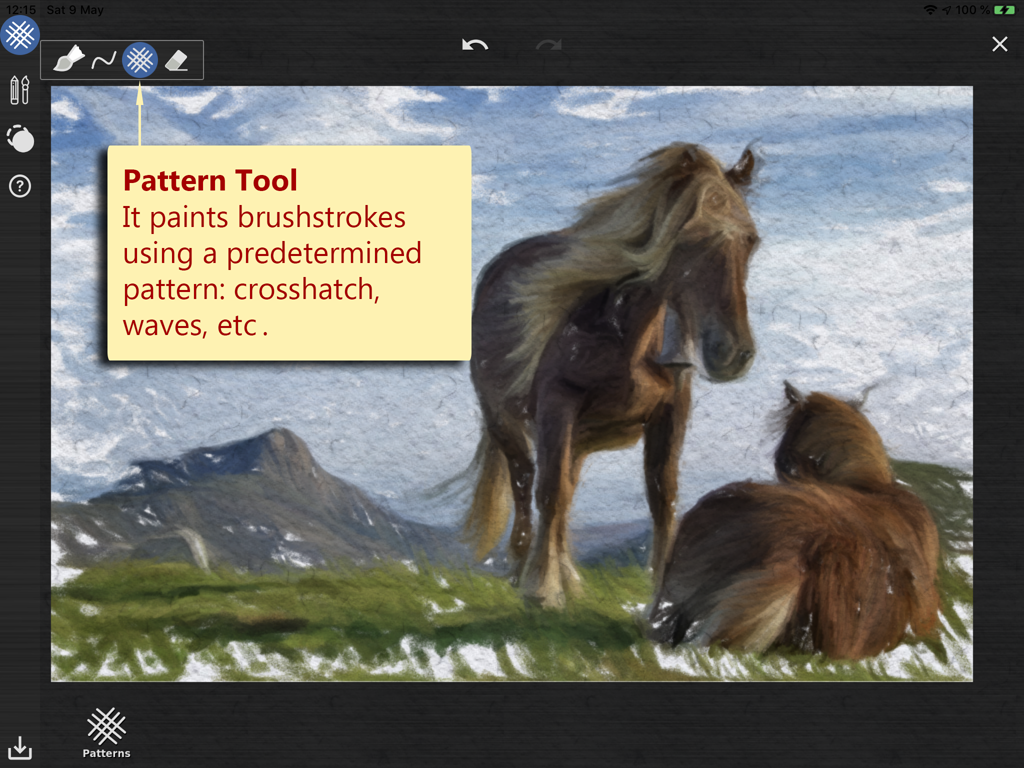
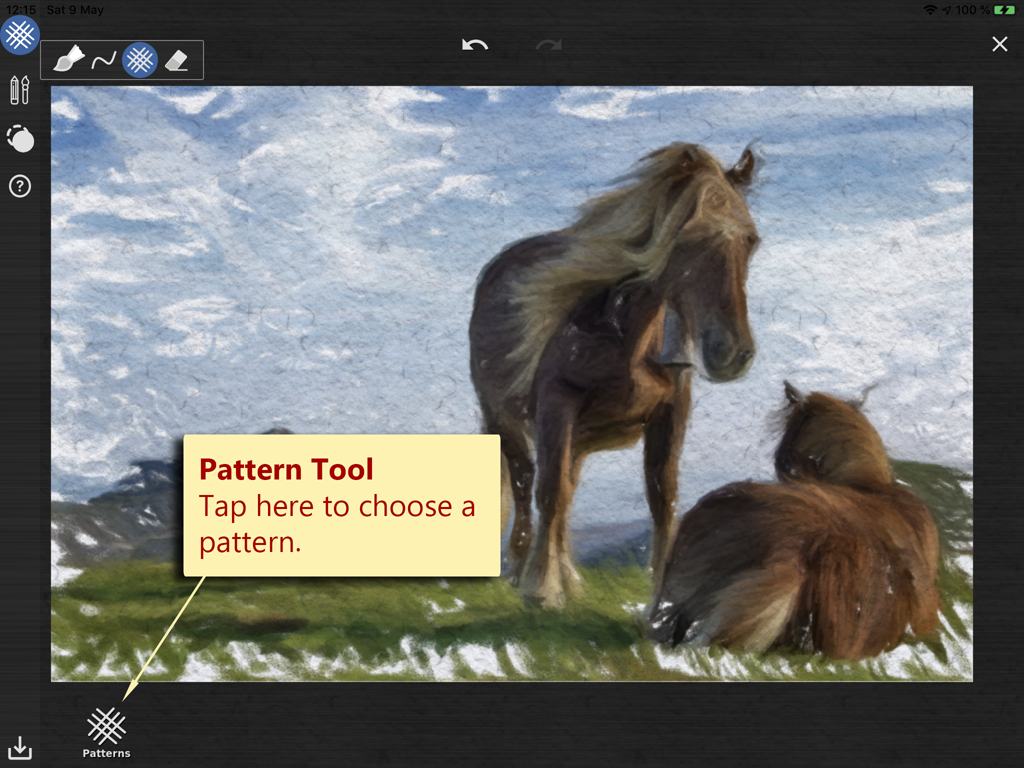
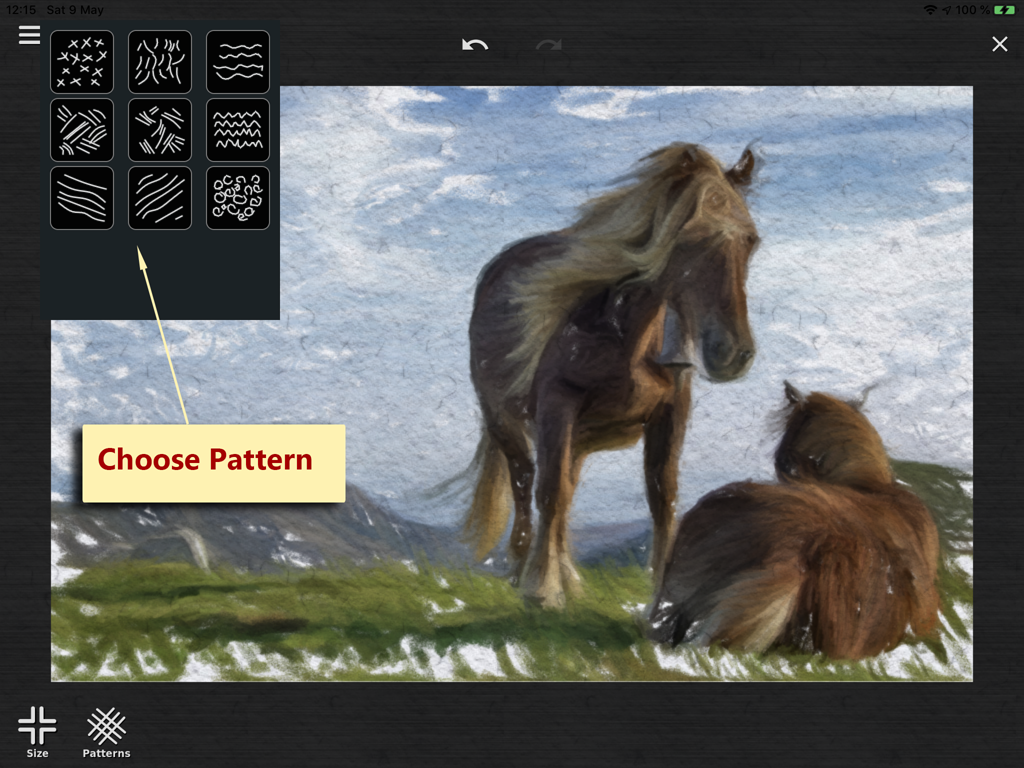
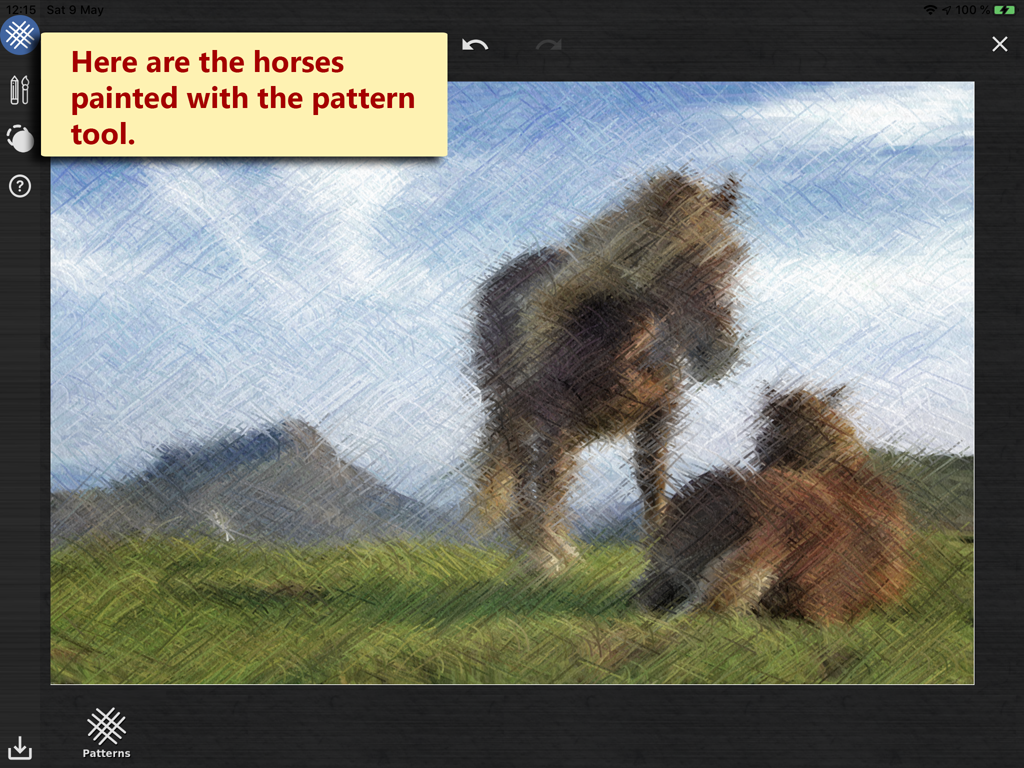
Also the «Pattern Tool» is useful to quicky cover areas where details are not needed, and to add some texture to the painting.
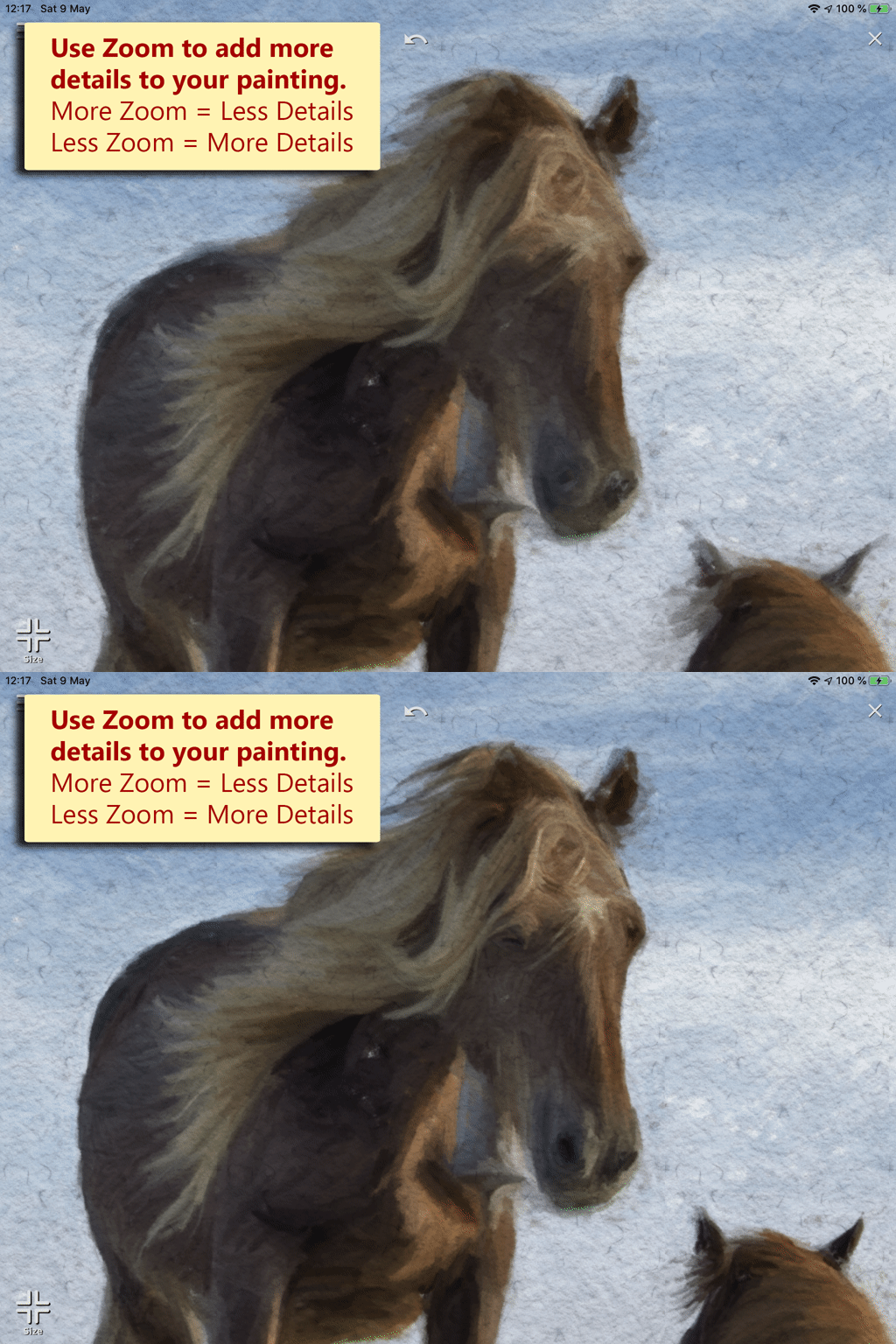
Using Zoom to add more details
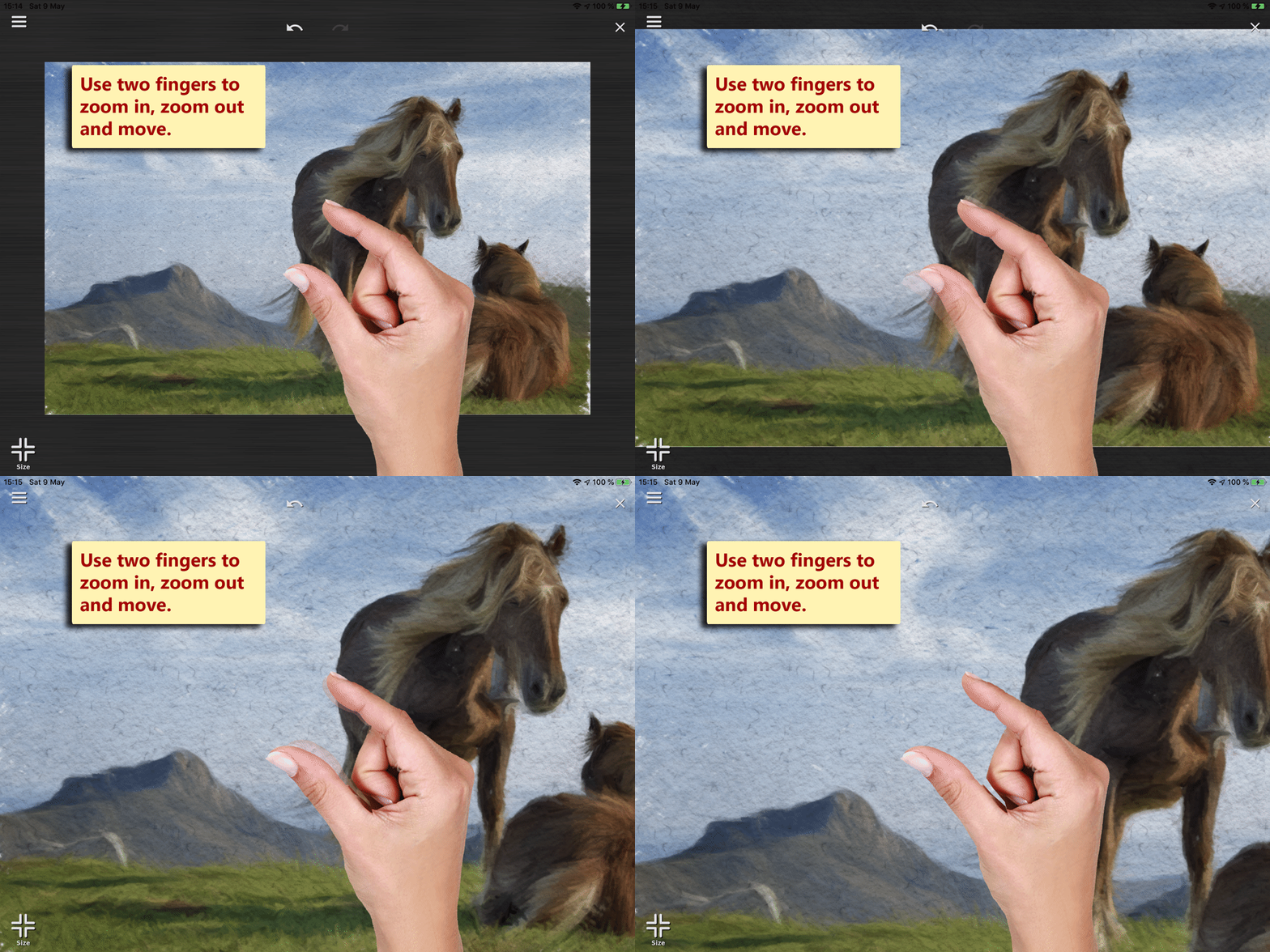
You can use traditional «zoom and pan gestures» to zoom in, zoom out and move.
When you zoom Wizard Paint will automatically adjust the brush size to obtain more details.
What can be done with it?
Visit our Featured Artist Page or our Art Gallery to see what is being created by artists of all abilities!